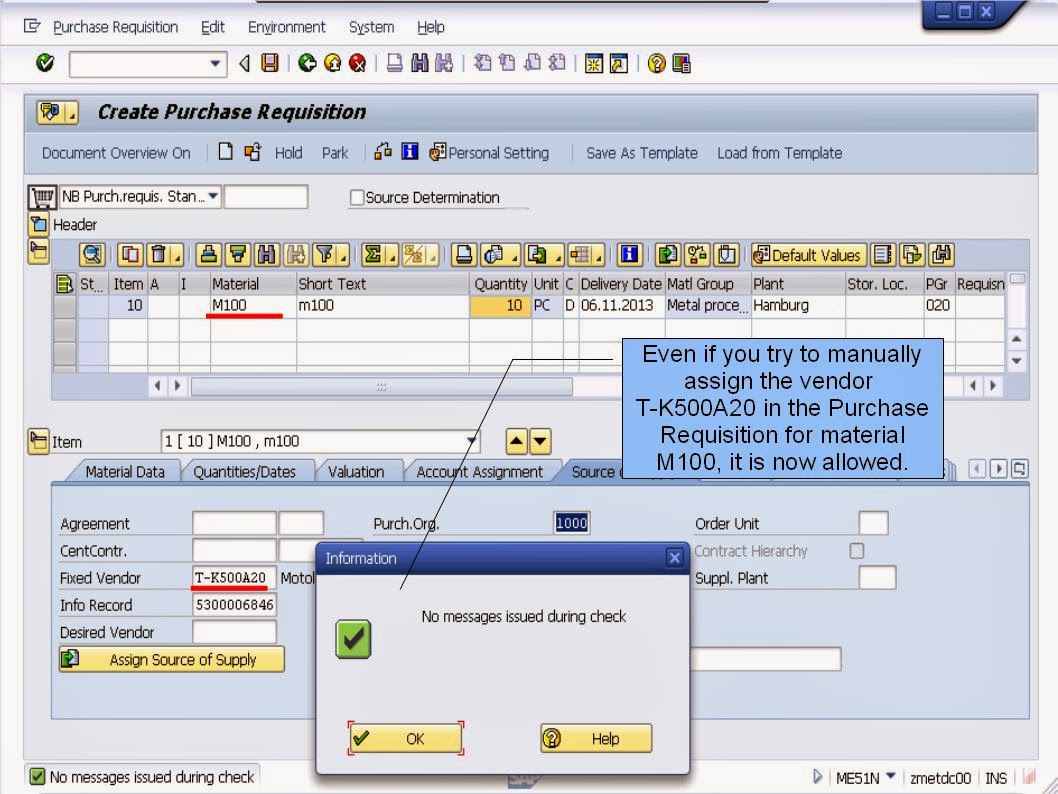
Source list requirement at the material master
SUMMARY
When exploring the SAP MM - Mind Maps and Content Library course, one crucial point to keep in mind is the importance of pressing CTRL+SHIFT+F for optimal viewing of the slides. This key combination allows you to maximize your screen real estate by entering full-screen mode. By doing so, you can eliminate distractions and focus solely on the content being presented. This simple action can significantly enhance your learning experience and help you absorb information more effectively. Imagine yourself in a classroom setting where all eyes are on the board – pressing CTRL+SHIFT+F replicates that immersive environment in the digital realm.
Furthermore, pressing CTRL+SHIFT+F not only enhances visibility but also improves readability. With larger text and clearer images, you can engage with the material more comfortably. It's like adjusting the lighting in a room to create an ideal studying atmosphere. By utilizing this feature, you can avoid straining your eyes and make the most out of the resources provided. This small adjustment can make a big difference in your overall comprehension and retention of the course material. Remember, the little details, such as viewing settings, can have a significant impact on your learning journey.
In essence, pressing CTRL+SHIFT+F while navigating through the SAP MM - Mind Maps and Content Library course is a simple yet powerful tool at your disposal. It's not just about convenience; it's about optimizing your learning experience. Whether you are reviewing mind maps, exploring content libraries, or diving into interactive modules, taking advantage of full-screen mode can elevate your educational journey. So, next time you access the course materials, remember to press CTRL+SHIFT+F and immerse yourself fully in the world of SAP MM. Your learning adventure awaits, now in full screen!